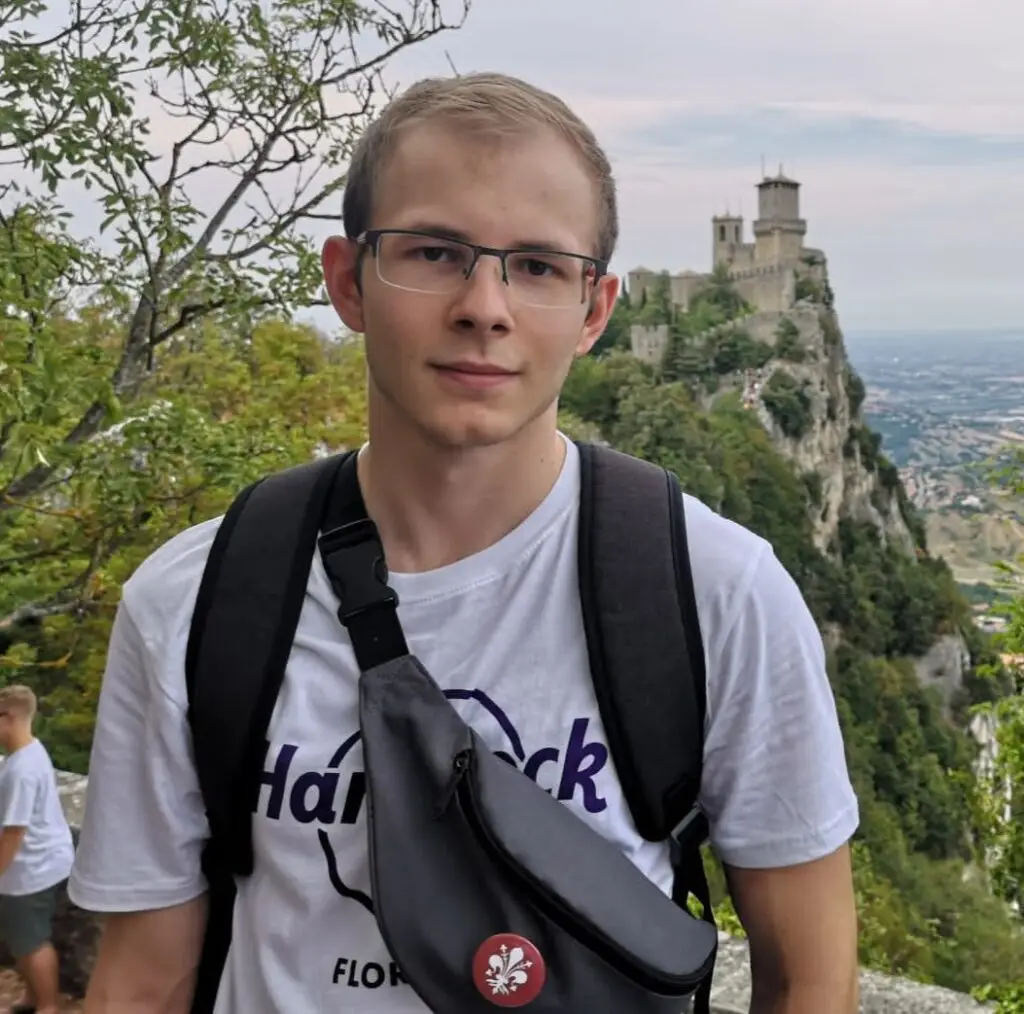
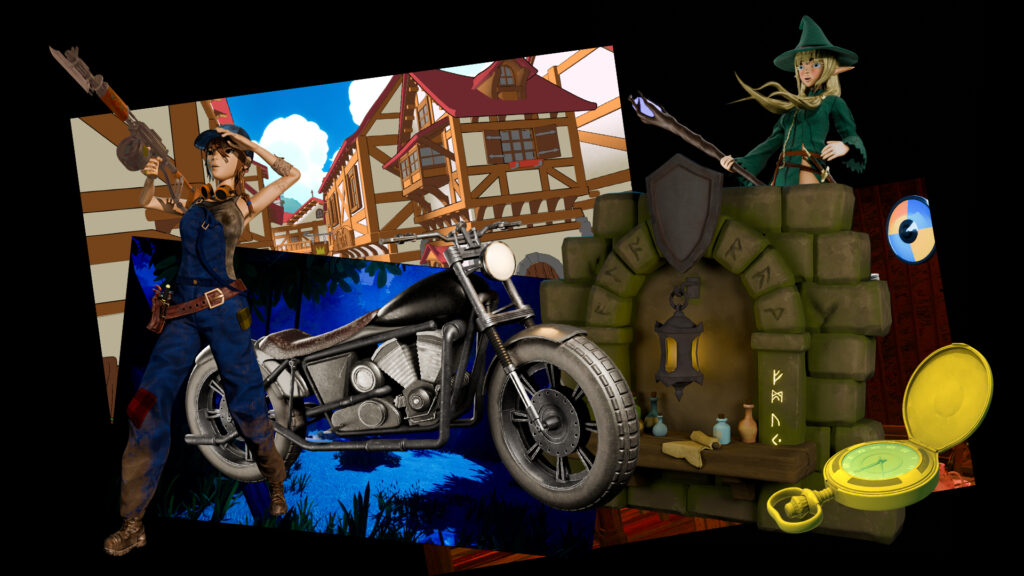
Since March 2023, I’ve been diving deep into the world of 3D design — starting out with Blender and gradually expanding my toolkit with software like Photoshop and Substance Painter. What began as curiosity quickly turned into a passion: 3D modeling, animation, sculpting, and telling visual stories through digital worlds.
Character modeling and sculpting fascinate me the most, and I’m constantly working on expanding my skills.
In summer 2023, I had the chance to collaborate with Wurmory Studios on 3D graphics and a trailer for a Kickstarter board game — a valuable team experience and my first real insight into the game industry.
By regularly taking part in game jams, I’ve not only gained hands-on experience, but also built valuable skills in teamwork, time management, and creative problem-solving.
| Profile
Date of Birth: March 13, 2001
Place of Birth: Bad Homburg, Germany
Residence: Hesse, Germany
| Languages
German – Native
English – B2
Spanish – B1/B2
Marvin Figueira Infante
Since March 2023, I’ve been diving deep into the world of 3D design — starting out with Blender and gradually expanding my toolkit with software like Photoshop and Substance Painter. What began as curiosity quickly turned into a passion: 3D modeling, animation, sculpting, and telling visual stories through digital worlds.
Character modeling and sculpting fascinate me the most, and I’m constantly working on expanding my skills.
In Fall 2023, I had the chance to collaborate with Wurmory Studios on 3D graphics and a trailer for a Kickstarter board game — a valuable team experience and my first real insight into the game industry.
By regularly taking part in game jams, I’ve not only gained hands-on experience, but also built valuable skills in teamwork, time management, and creative problem-solving.
– Game Design & Management / Bachelor2024 – heute Hochschule Fresenius
| Professional experience
– 3D Animation Artist & Element Render2023 Wurmory Studio Contributed to a Kickstarter project
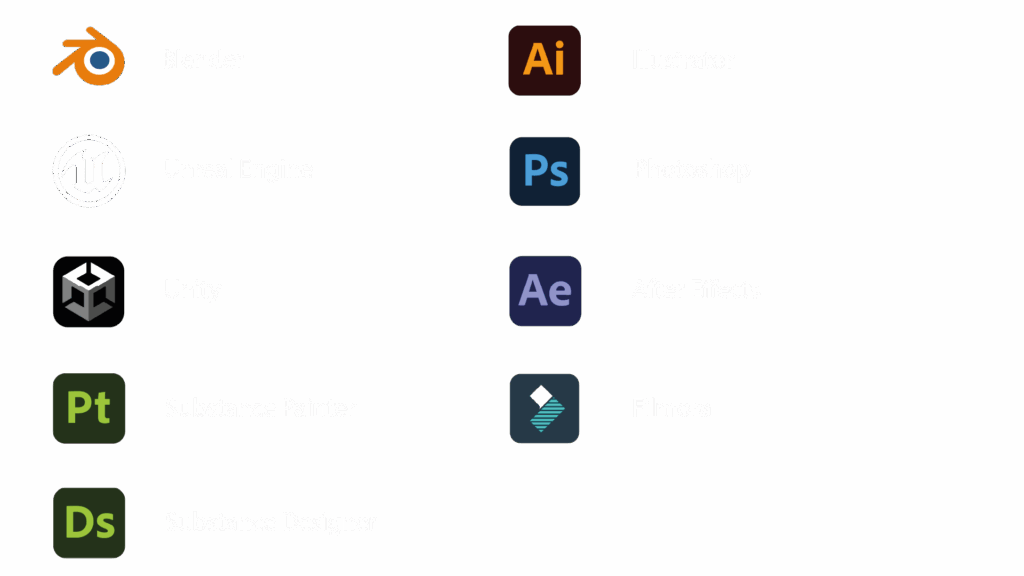
| Software proficiency
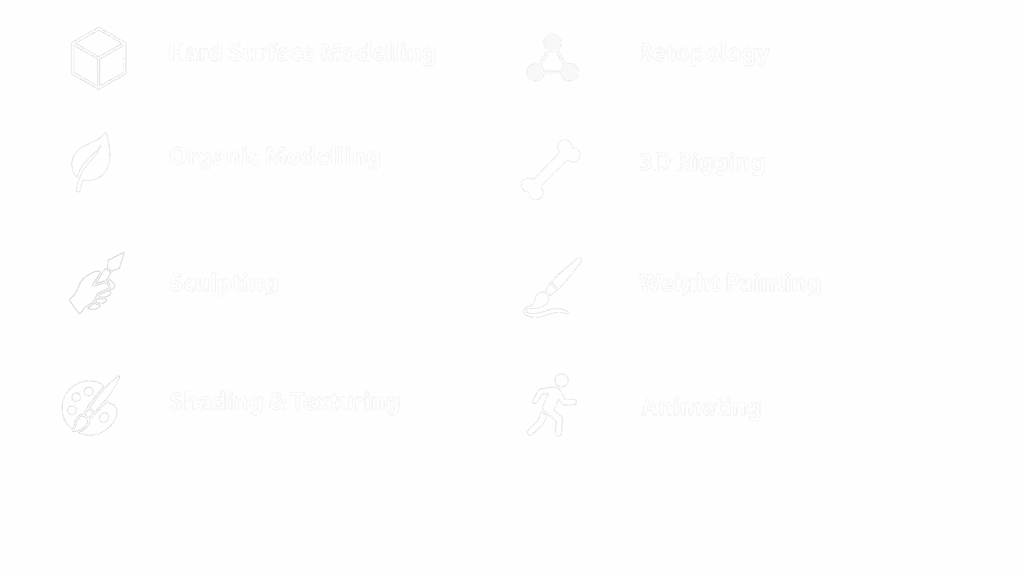
| Technical skills
Tools & Workflows
As a 3D artist, I place great importance on a clean and structured workflow — from the first mesh to the final animation. My primary tool is Blender, complemented by Photoshop, Substance Painter, and Designer. Every step, whether modeling, texturing, or animation, follows a well-thought-out process. Here, I’d like to give you an insight into my typical workflows and methods.
Modelling & Sculpting
Modelling & Sculpting
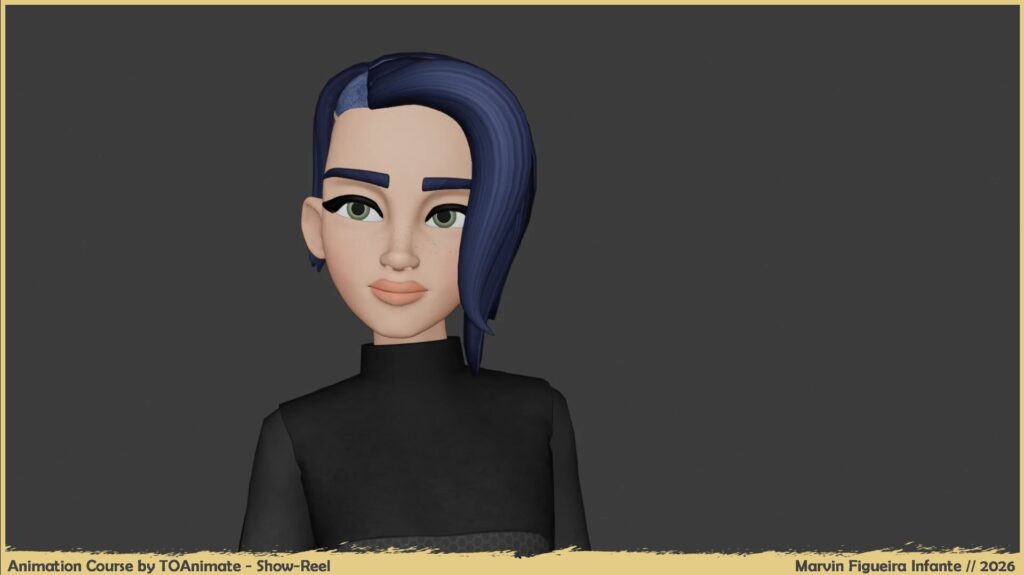
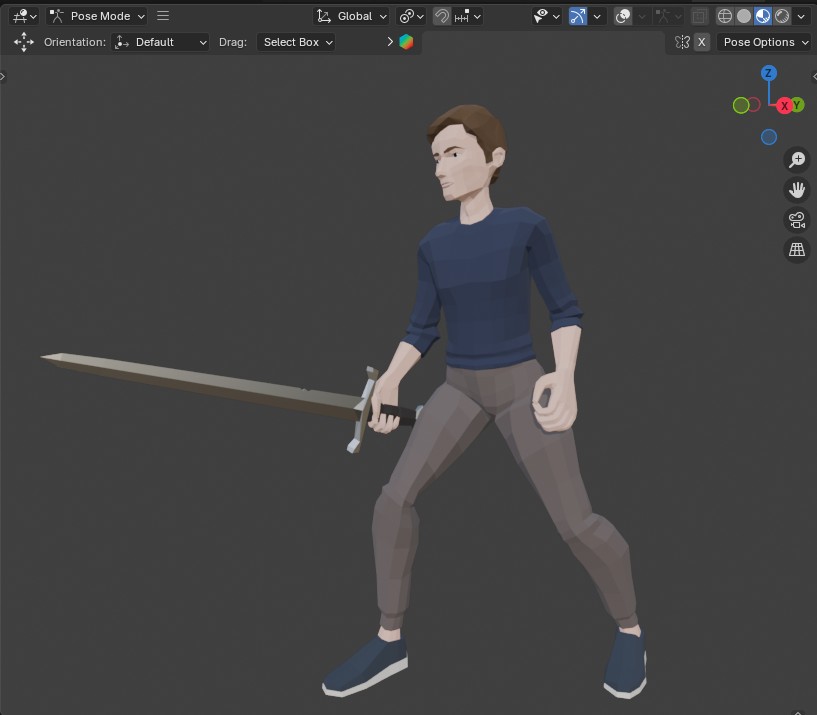
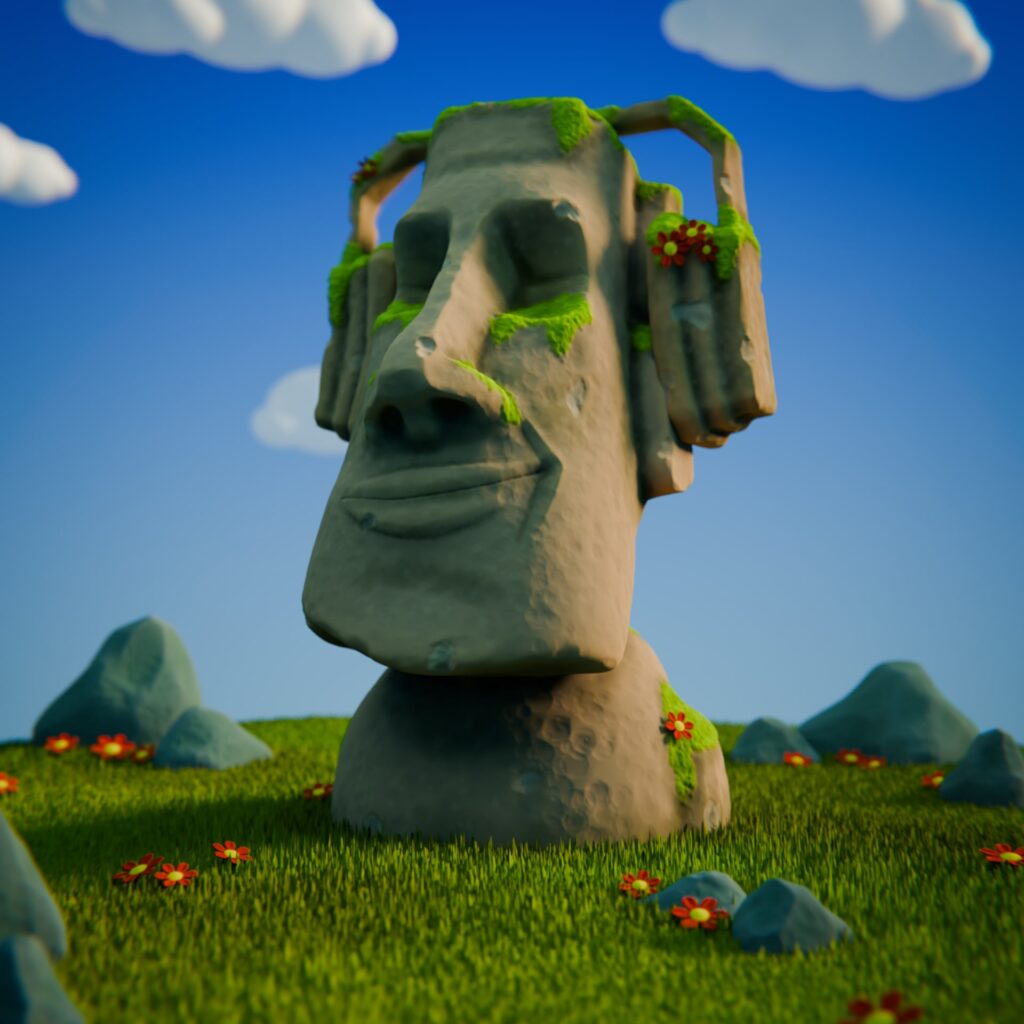
I start many of my 3D projects in Blender with a blockout to define the basic shapes and proportions. For detailed work, I use sculpting tools, experimenting with different brushes and make use of mesh techniques like Dynotopo, Remesh or Multires. After sculpting, I bring the models into a clean, animation-ready topology through retopology — a crucial step for later rigging and animation processes.
Shading & Texturing
Shading & Texturing
For texturing, I primarily use Substance Painter, where I create detailed, layered materials and add surface variations, and hand-painted elements directly onto the model. Its procedural masks and filter tools allow me to achieve complex results efficiently while still maintaining artistic control. In addition, I complement this workflow with Blender’s Shader Editor to refine materials and integrate them seamlessly into the final render. Photoshop is often used to create custom alphas or brush textures when needed, while Substance Designer occasionally helps with generating more advanced procedural texture assets.
Character Workflow
Character Workflow
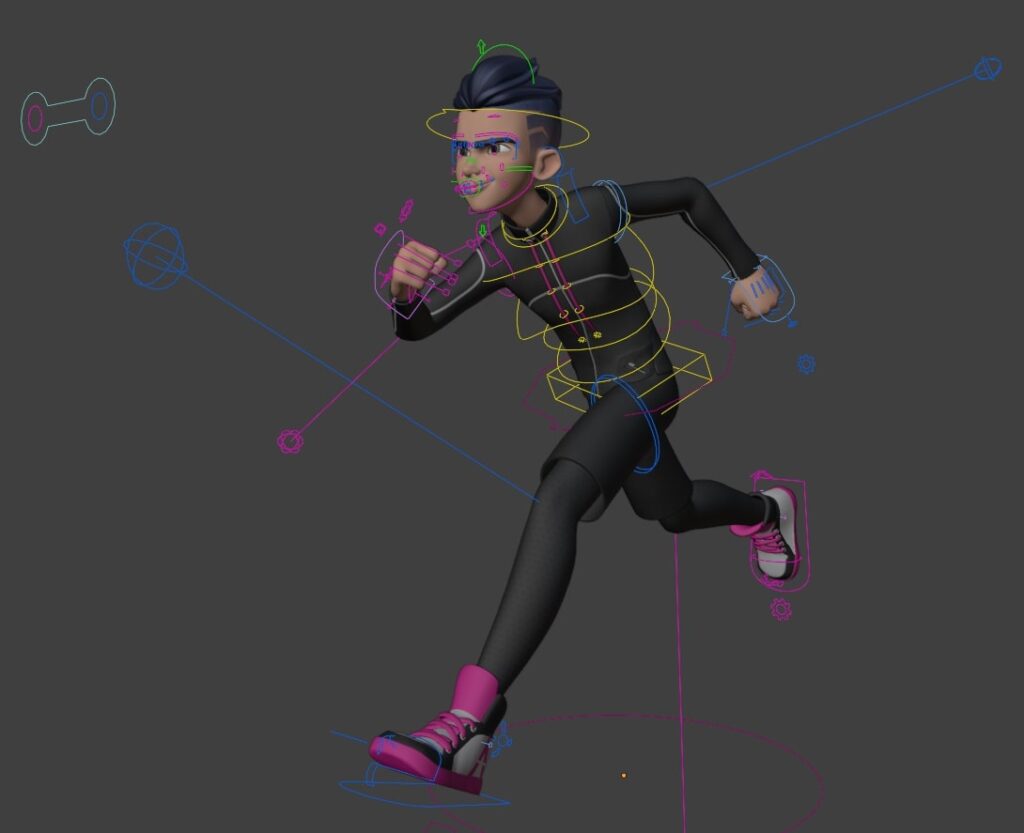
At the beginning of a character project, I carefully research reference material to get a sense of the visual look and desired mood. I then develop the character design and move on to the blockout stage before diving into sculpting. Afterward, I carry out retopology to ensure clean geometry. Next, I create a rig, weight the mesh with weight painting, and set up the bones precisely for FK/IK. Thanks to this workflow, I can animate characters flexibly and prepare them for both in-game use and rendering projects.
Animation
Animation
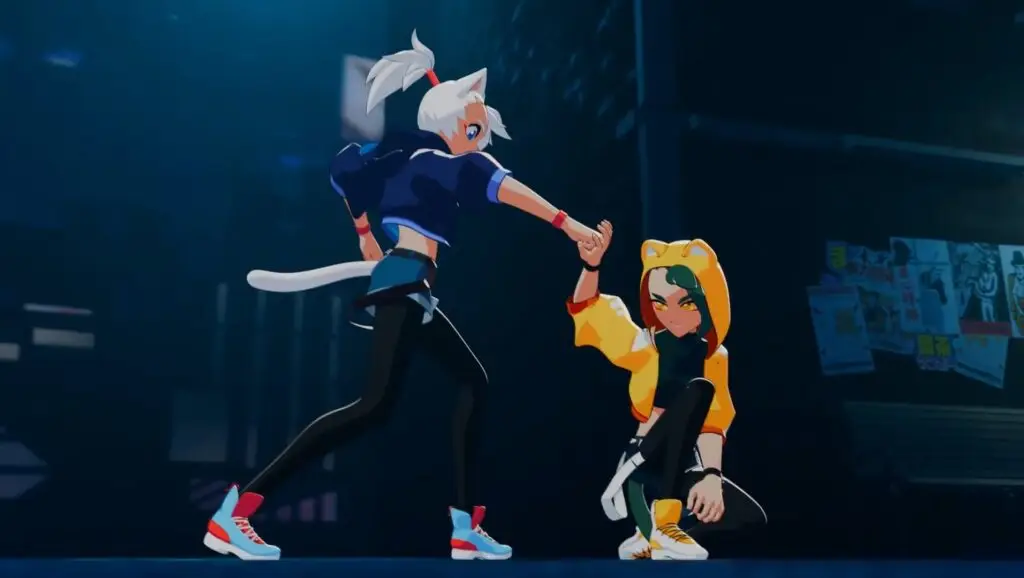
In animation, I work with the Dope Sheet and Graph Editor to create and refine precise movements. I pay close attention to natural transitions, motion dynamics, and timing. My work includes not only animating objects but also rigged characters — with facial expressions, blinks, walk cycles, and gestural movements. Keyframe smoothing and fine-tuning curves in the Graph Editor are also integral parts of my workflow.
Lighting & Rendering
Lighting & Rendering
For final rendering in Blender, I often use the classic three-point lighting method to illuminate my scenes in a way that is both atmospheric and functional. I carefully control the lighting with the false color mode to detect under- or overexposure early and avoid data loss during rendering. This ensures that the full color dynamics and level of detail are preserved in the final output.
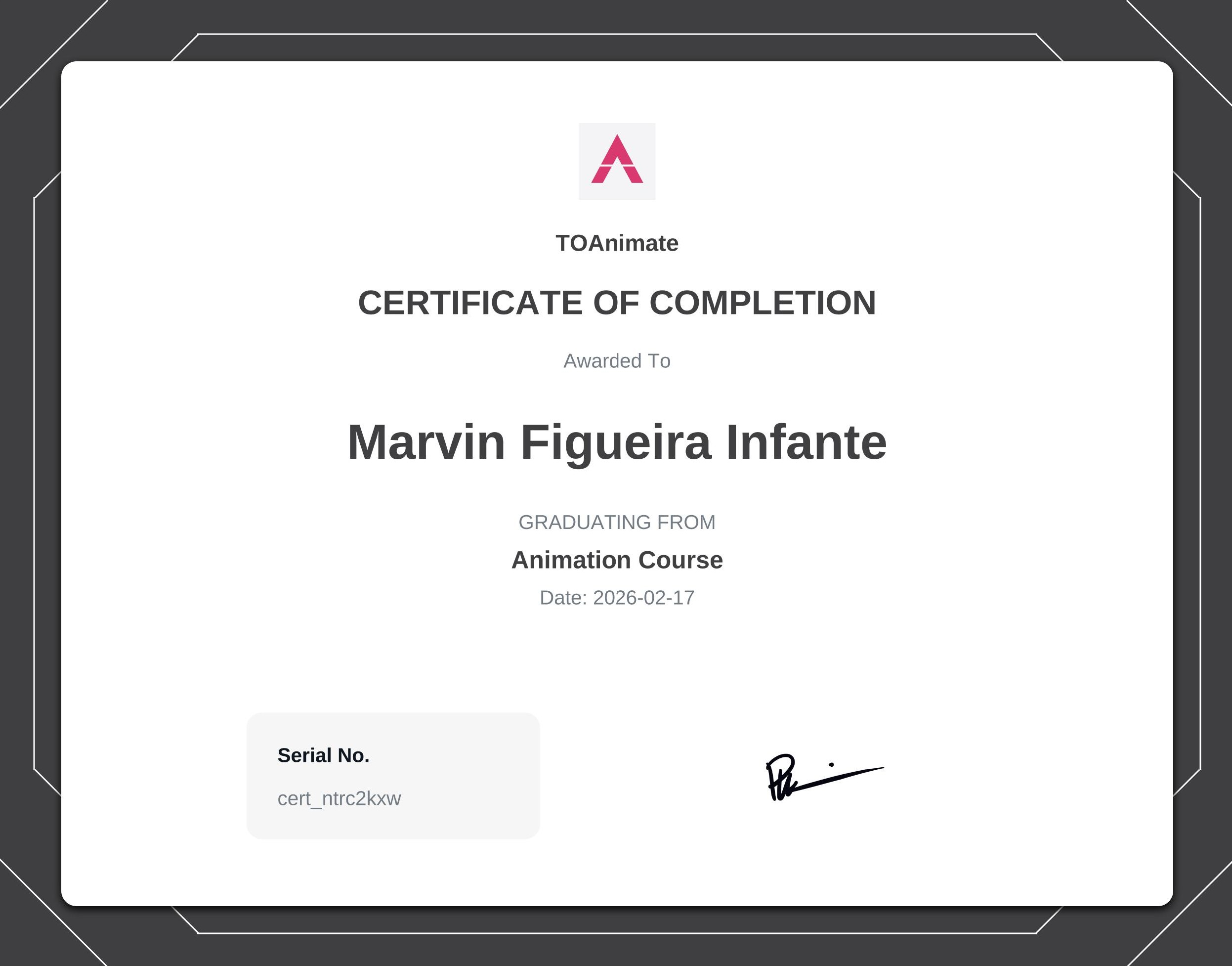
Certificates
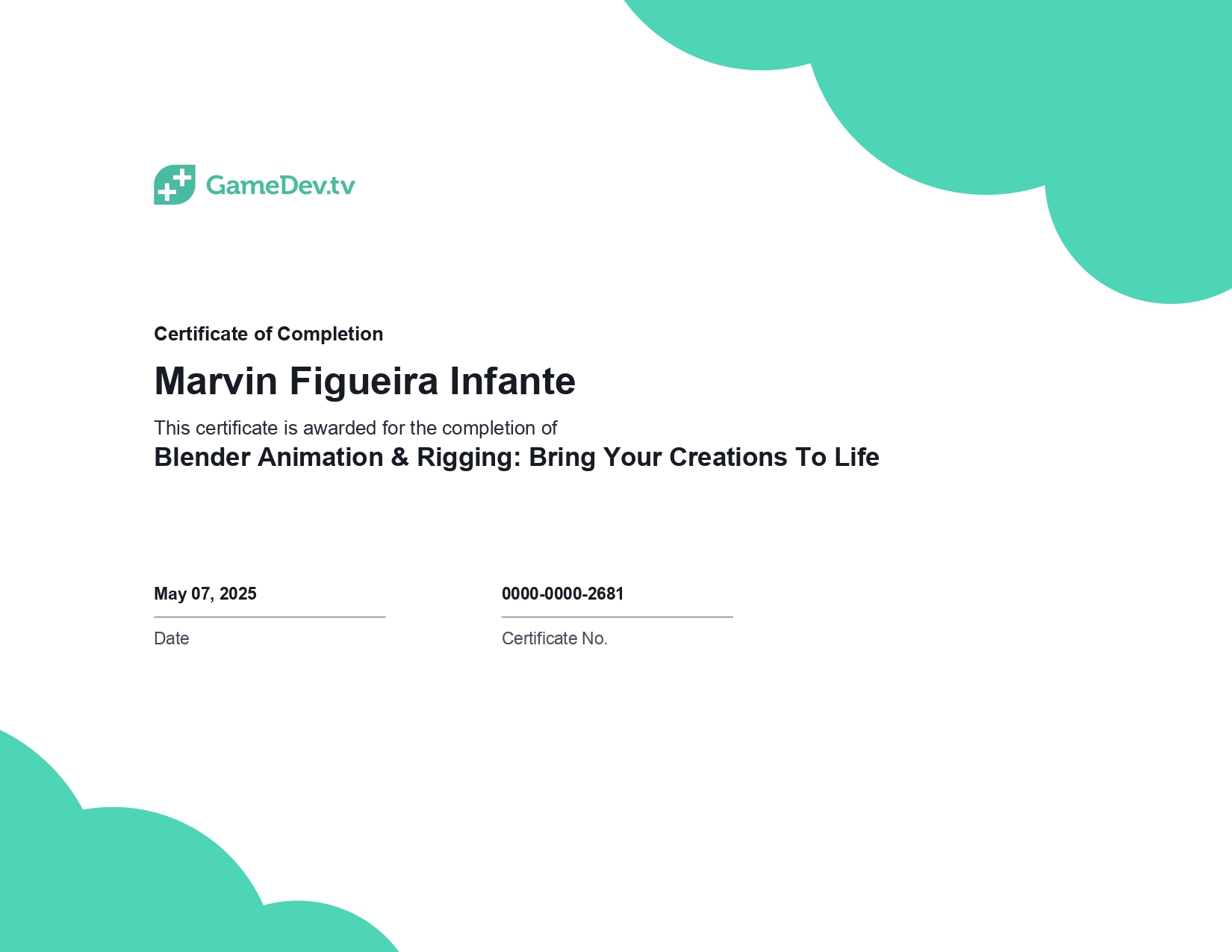
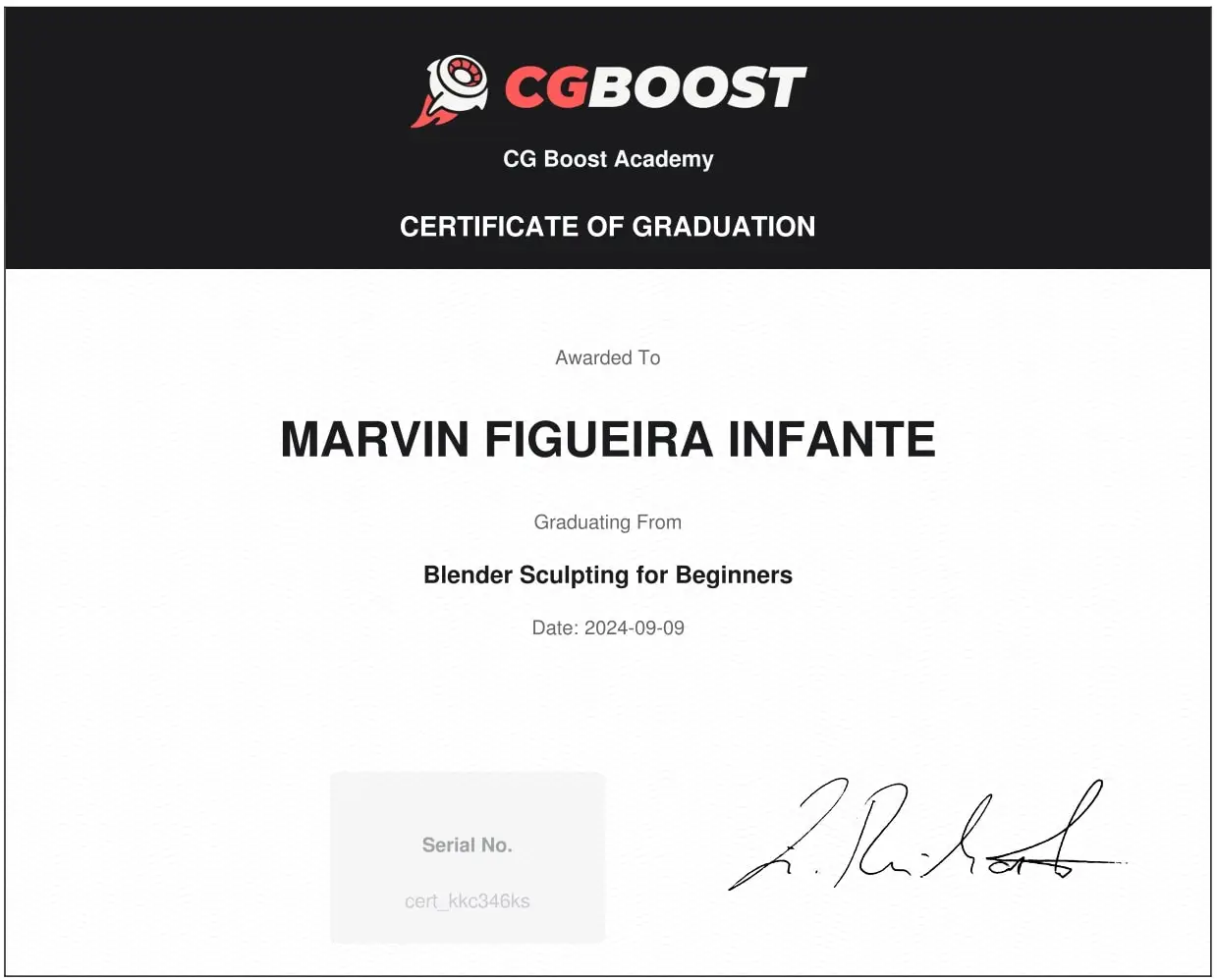
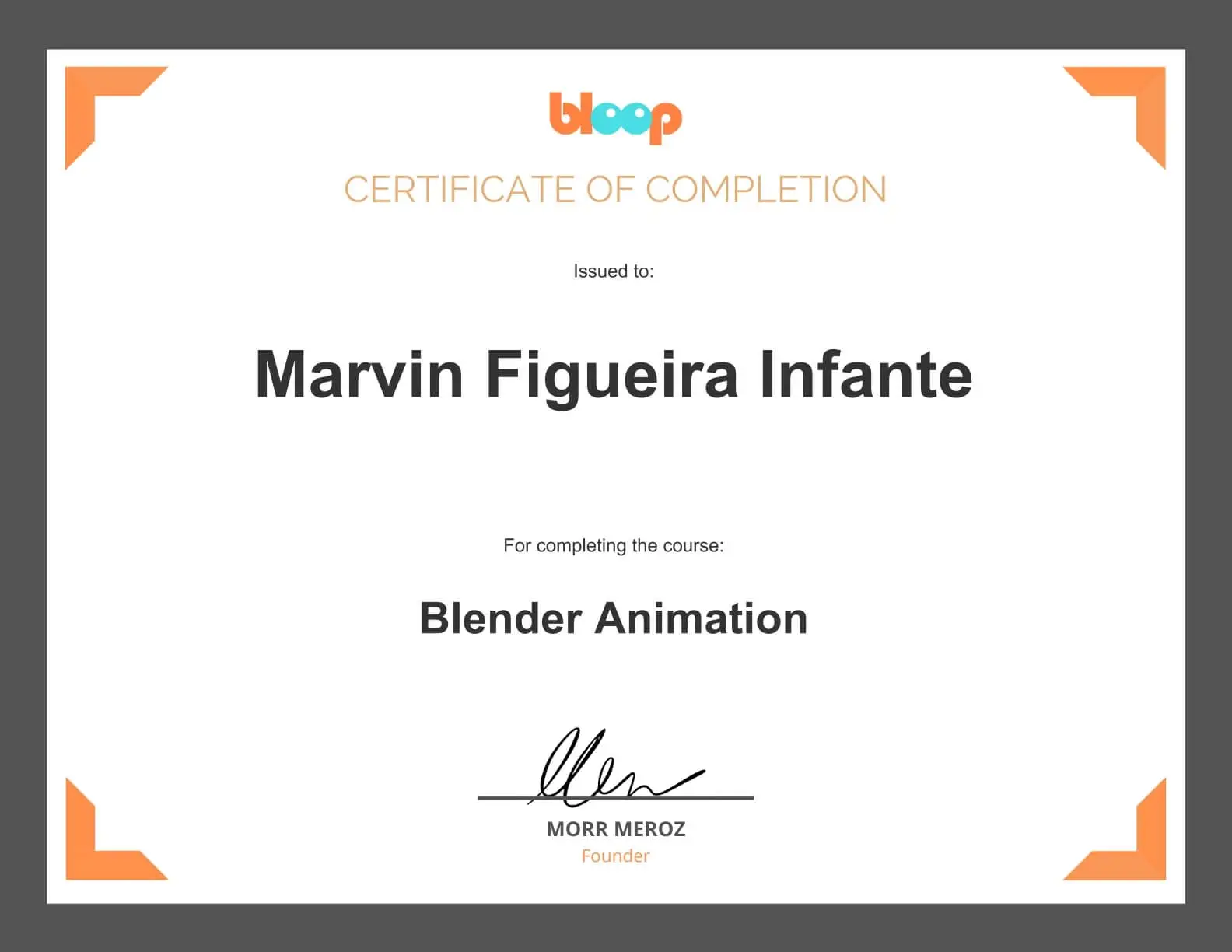
To continuously improve my knowledge and software skills, I regularly take online courses. Below, you’ll find a selection of certificates from courses I have completed.